



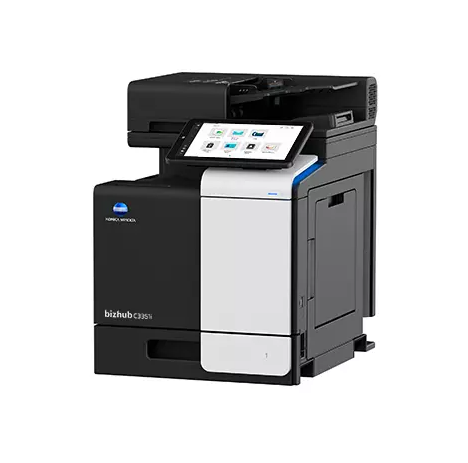
Strongpoints
- The 33-page-per-minute multifunction printer in color and black & white
- Paper sizes: A6-A4
- 10.1" tablet-style color touchscreen with multi-touch support and user interface
- Reduced environmental impact thanks to new state-of-the-art technology
- Maximum data security thanks to high-level protection
Description
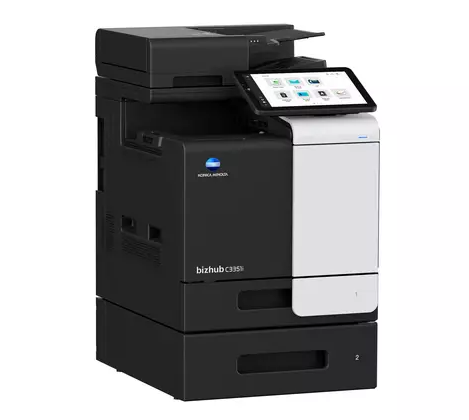
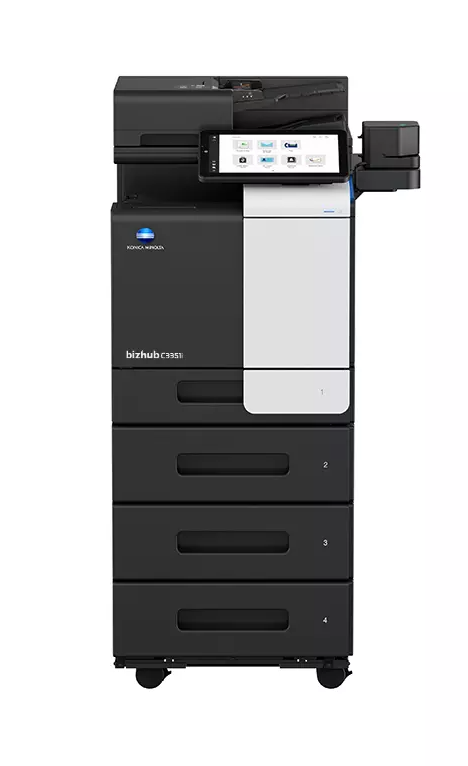
Simple, connected and secure. Discover the bizhub i-Series bizhub C3351i multifunction printer
Enjoy the bizhub i-Series with its tablet-like 10.1″ panel, enhanced user interface, integrated Bitdefender® antivirus scanning engine (optional), remote services, Konica Minolta IT services and much more.
Features of your Konica Minolta multifunction printer C3351i
Find all the information you need for your c3351i multifunction printer.
SCANNING
Blank page removal Automatic removal of blank pages, e.g. when scanning mixed single-sided and double-sided documents. Scan annotation Marks scans with date/time, file number or custom text for archiving purposes. Scan preview Provides a real-time preview of scanned originals for checking before sending. Scanning programs Preset original, scanned file and destination for normal scan jobs. Scan to URL Reduce the load on your corporate network by sending a simple URL to the recipient rather than a large file. Scan-to-Me/Home Scan directly to your own e-mail address (Scan-to-Me) or an SMB folder (Home) based on Active Directory information.Some of our partners